
Quick process
- 1
Tell the room
Explain that you want to record for notes and get clear consent before starting.
- 2
Place the phone centrally
Keep it on a stable surface within a few feet of the main speakers.
- 3
Create the meeting note
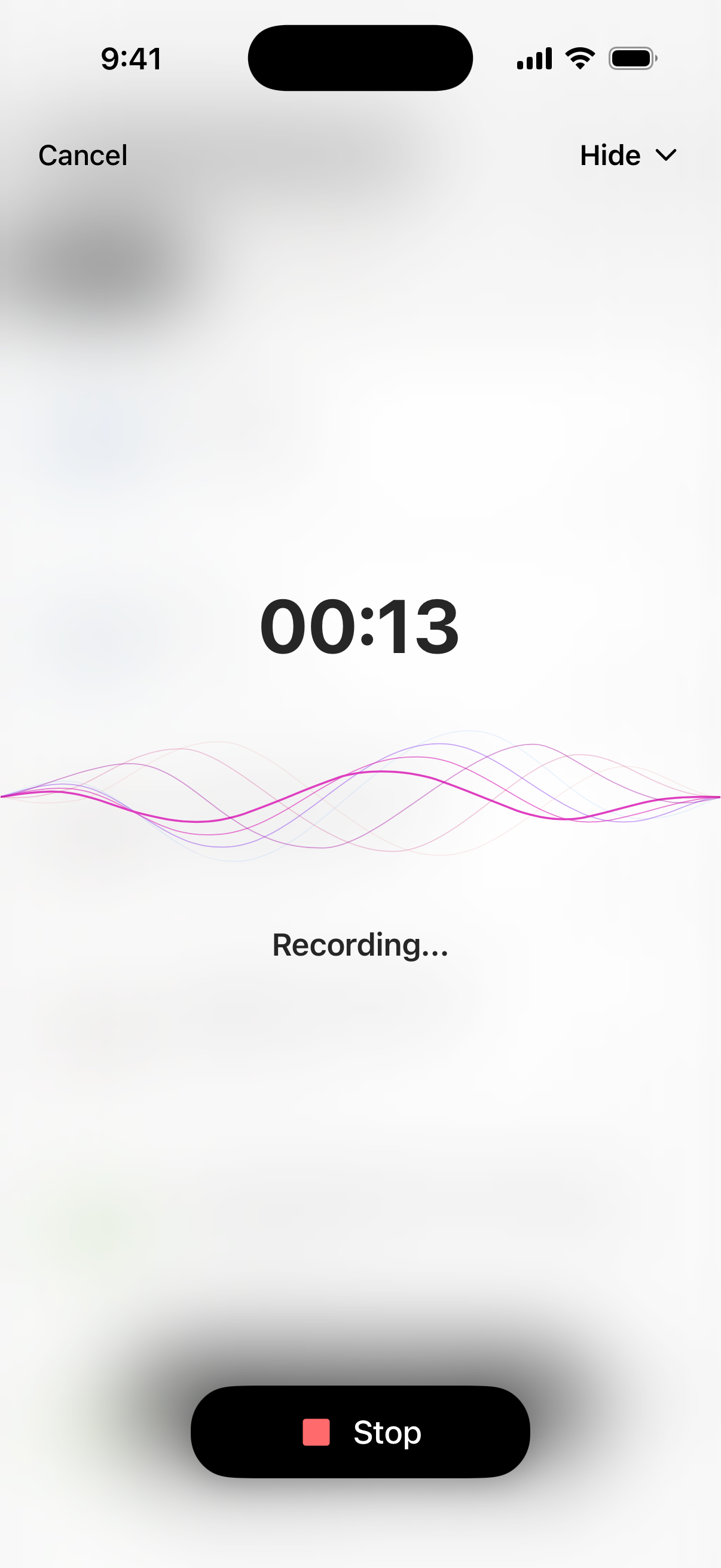
Record in VoiceLog and let the app organize the conversation after the session.
- 4
Confirm owners and dates
Check decisions, action owners and deadlines before sharing the recap.
Capture a room without a meeting bot
Online meeting tools can join a call and read a clean digital audio feed. A room is different: people turn away, speak over one another and move their chairs. Put the phone near the middle of the table, away from laptop fans and cups. For a larger room, a quiet central position usually beats placing it beside one person.
State why you are recording, who will receive the notes and when you will delete the audio. Consent matters even when the meeting feels informal. If anyone objects, take written notes instead.
Create a recap people can act on
Record the meeting in VoiceLog, then open the generated note while the discussion is still recent. A good recap separates decisions, action items, unresolved questions and supporting context. Remove side conversations that do not affect the outcome.
Automatic notes can miss a name or assign a sentence to the wrong context. Read every commitment carefully. Confirm who owns each task and write the deadline in an unambiguous format. Send the recap promptly so participants can correct mistakes.
Try it with your own material
Create your notes in VoiceLog
Use the note after the meeting
Store the note under the project or client name so it remains searchable. Before the next meeting, read the prior decisions and open questions instead of relying on memory. VoiceLog’s note chat can help you locate a detail, but the approved recap should remain the record everyone agrees on.
For research interviews, preserve the difference between what a participant said and your interpretation. For confidential work, follow your organization’s rules about recording, retention and approved software before you capture anything.
A simple quality check
Read the opening summary, every decision and every action item. Search the transcript for dates, currency figures and proper names. If a section sounds surprising, listen to that moment again before it enters a project plan.
The best AI meeting note is short enough to scan and specific enough to use. A long transcript can stay attached as evidence; the recap should tell the team what changed and what happens next.
Use a consistent recap format across recurring meetings. Put the date and attendees first, followed by decisions, actions and open questions. People learn where to look, and missing information becomes obvious. If the meeting produced no decision, say so plainly rather than turning general discussion into a false commitment.
Questions about this workflow
Can an AI note taker record an in-person meeting?
Yes. A phone-based app can record room audio and turn it into organized notes. Clear placement and participant consent are essential.
How accurate are AI meeting notes?
Accuracy depends on audio quality, accents, overlap and specialist terms. Always verify decisions, names, numbers and assigned actions before sharing the recap.