Get the key points
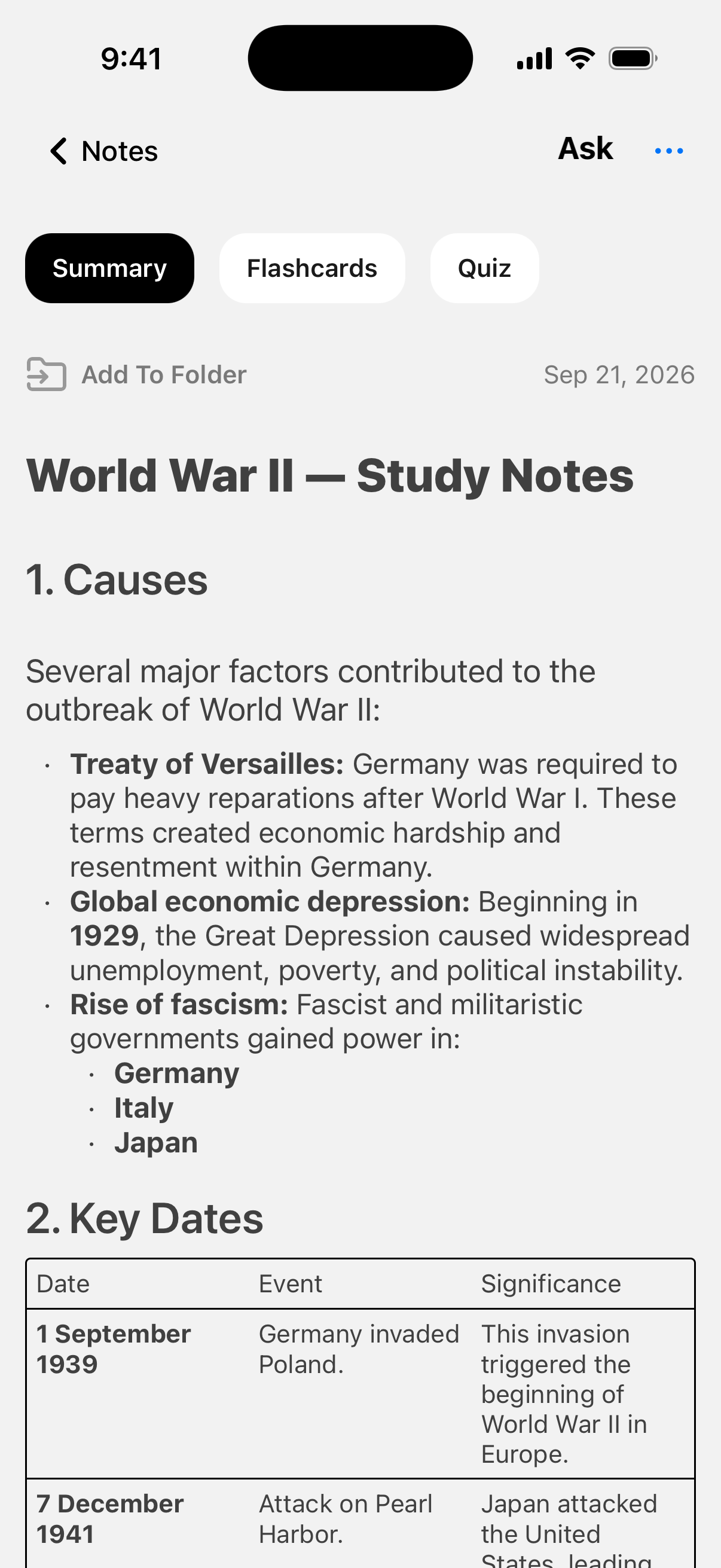
Turn a long recording, video, or PDF into a structured summary. Find the topic you need without rereading the whole document.
 VoiceLog
WITHOUT TYPING
Turn recordings, YouTube, PDFs, photos and links into clear notes.
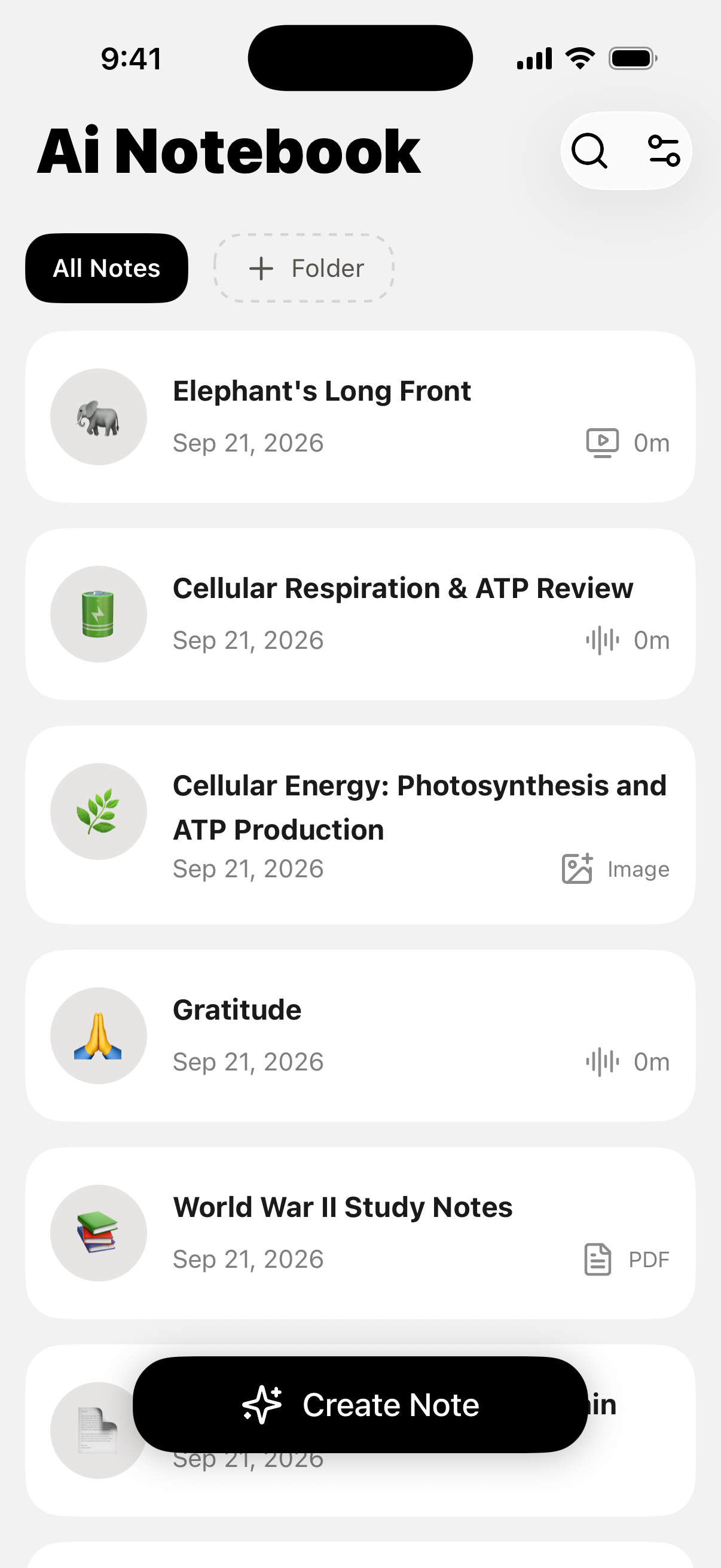
Go from listening to understanding—with a summary to read, a chat to ask questions, and study tools to check what stuck.
Turn a long recording, video, or PDF into a structured summary. Find the topic you need without rereading the whole document.
Open a note and ask a specific question: “Explain this concept” or “What did we decide?” Get help working through what you saved.
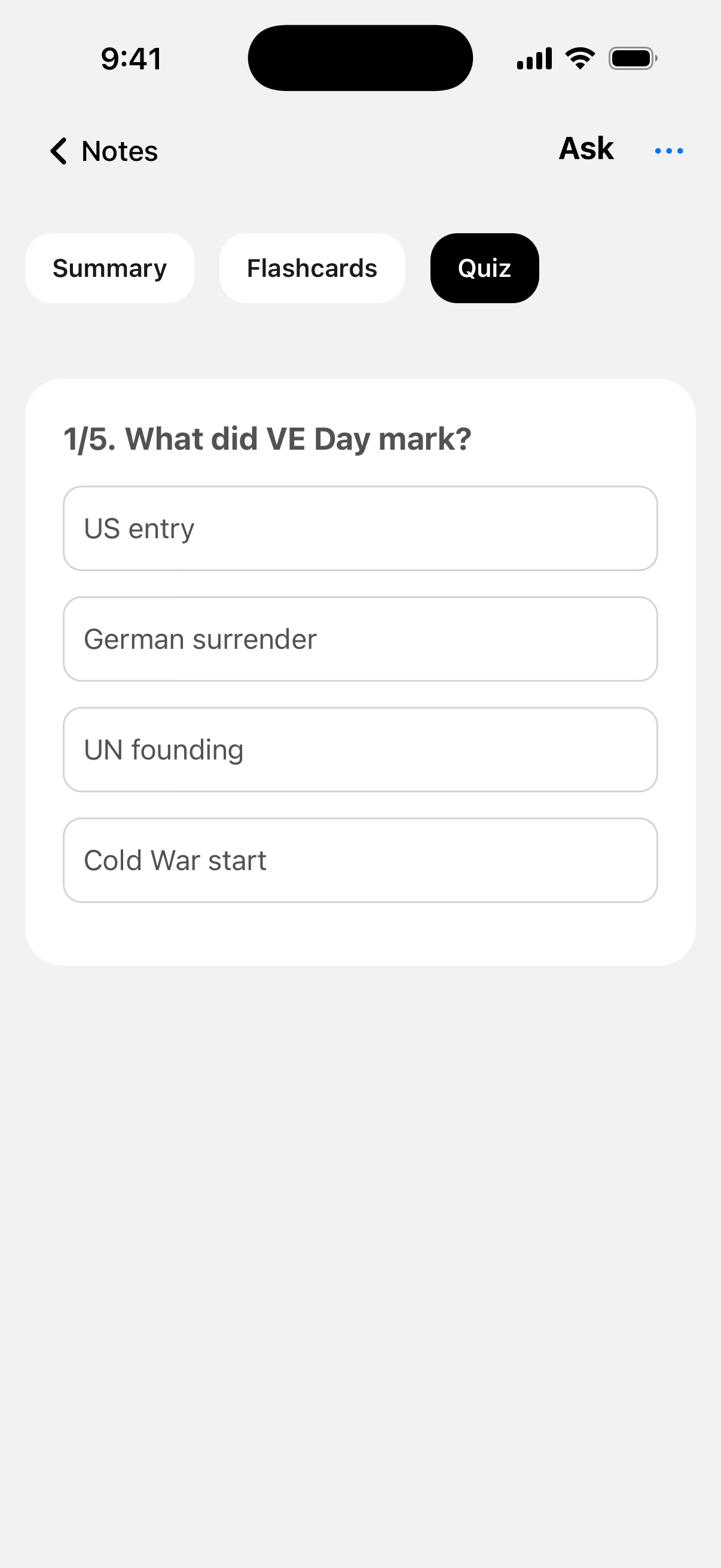
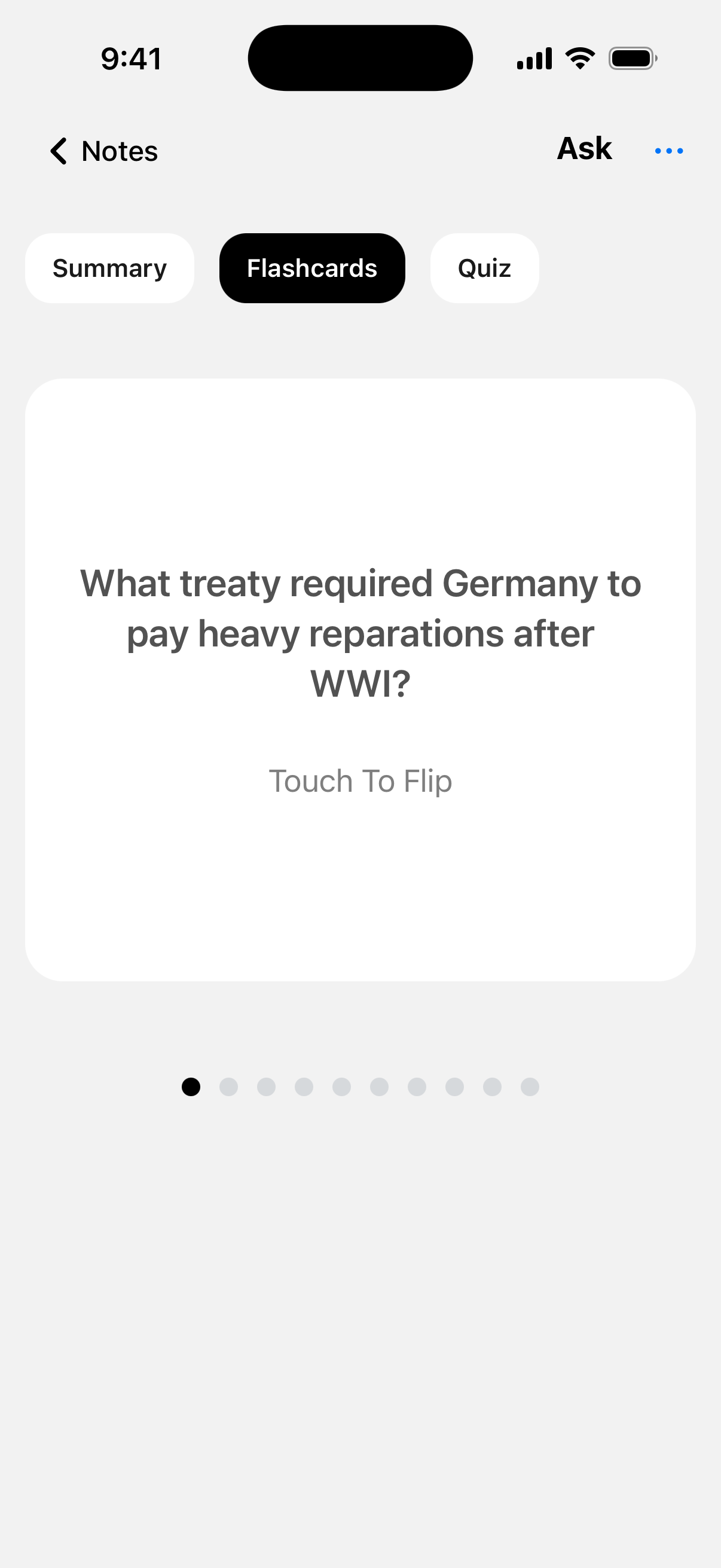
Generate quizzes and flashcards from your notes. Answer the questions, spot what you missed, and revisit those topics.
Inside VoiceLog
How it works
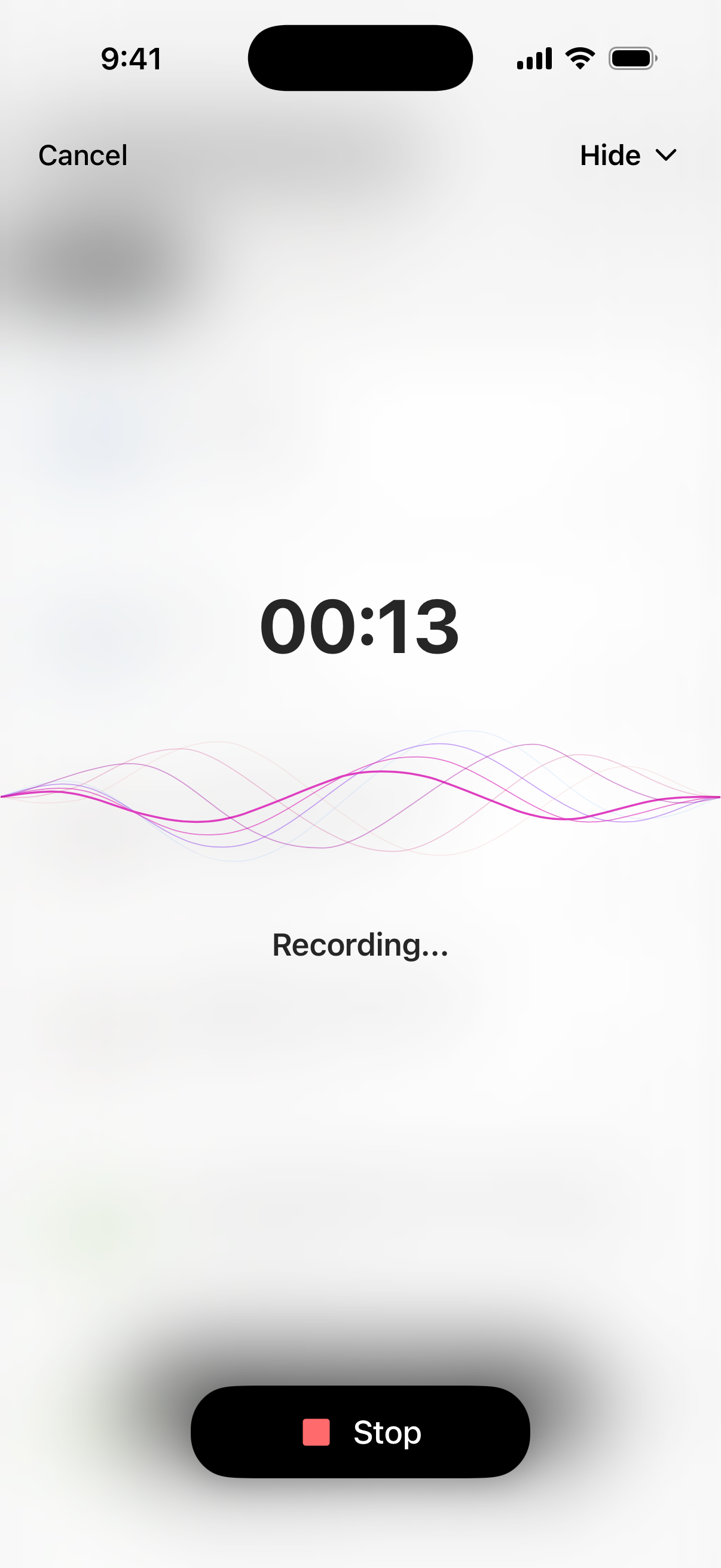
Record in the app, add a YouTube link, or import audio, PDFs, images, and web pages.
VoiceLog turns the content into organized notes. Review the key points and check important details against the original.
Ask about something you don’t understand, then generate a quiz or flashcards to practice recalling it.
Practical guides

Lecture recording to notes
Turn a lecture recording into organized study notes, then check the transcript and build quizzes or flashcards from the same class.
Read guide
In-person meeting notes
Use an AI note taker for an in-person meeting without adding a call bot. Capture clear audio, check decisions and leave with useful notes.
Read guide
YouTube video to notes
Turn an educational YouTube video into concise notes, verify the important claims and convert the useful parts into review questions.
Read guideQuestions, answered
An AI note taker converts spoken or imported material into searchable, organized notes. VoiceLog accepts recordings, audio files, videos, PDFs, images and web pages on iPhone.
Learn moreYes. Record a permitted lecture or import its audio, then create a structured note. Check names, formulas and specialist terms against the source before revising from it.
Learn moreYes. You can record room audio directly on your phone and create a meeting note without adding a bot to a call. Always get the participants’ consent first.
Learn moreYes. Add a YouTube video to create an organized note, then verify key claims and keep timestamps for anything you may need to replay.
Learn moreVoiceLog can organize text from PDFs into study notes, including material from multiple documents. Scans, tables, formulas and quotations still need a careful source check.
Learn moreYes. VoiceLog can generate flashcards and quizzes from the notes you create. Review the questions before studying so they test the facts and concepts that matter.
Learn moreYes. Open a saved note and ask about a concept, decision or detail. Verify important answers against the original material when accuracy has consequences.
Learn moreVoiceLog is free to download from the App Store and offers optional auto-renewing subscriptions for unlimited access. Current prices and trial terms appear before you confirm a purchase.
Learn moreAvailable on iPhone
Record it in VoiceLog, read the summary, and make a quiz from the same notes. Download VoiceLog for iPhone to get started.
Get VoiceLog on the App Store