
Quick process
- 1
Get permission and place your phone well
Confirm that recording is allowed, then keep the phone close enough to the lecturer to avoid distant or echo-heavy audio.
- 2
Record or import the class
Record in VoiceLog or import an existing audio file after the lecture.
- 3
Generate and check the note
Create the structured note and compare technical terms, dates and formulas with the source.
- 4
Review with active recall
Use the note to make flashcards or a short quiz, then revisit weak topics while the lecture is still fresh.
Start with a recording the transcript can understand
A note generator can only work with the sound it receives. Sit away from doors, projectors and loud air vents when possible. Place the phone on a stable surface rather than holding it, because handling noise can cover short phrases. If the lecturer uses a microphone, choose a seat where the amplified speech sounds clear to you.
Ask before recording. Some courses, guest talks and seminars restrict capture or sharing. Keep the file private unless the speaker has allowed wider use. A useful study workflow should respect the people in the room as well as the syllabus.
Convert the lecture audio into structured notes
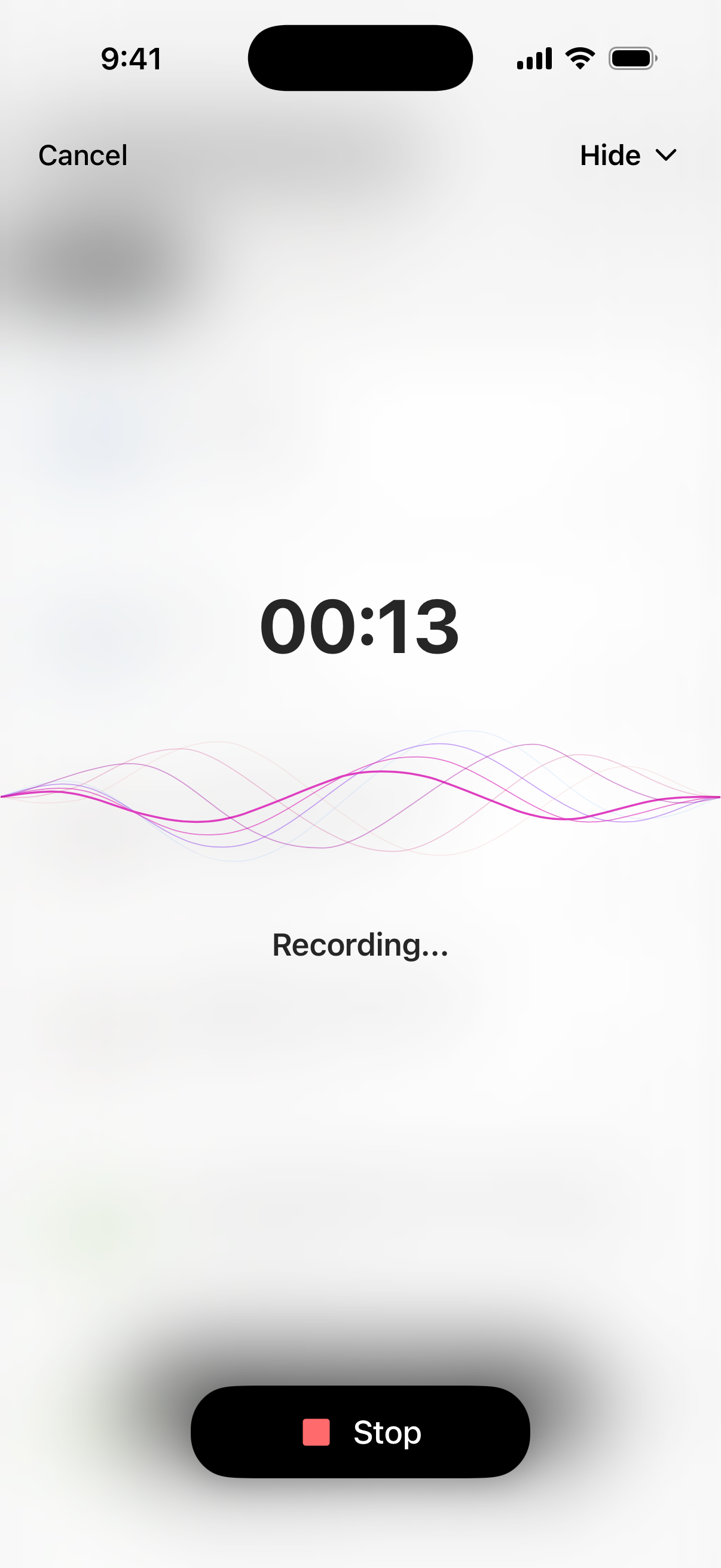
Open VoiceLog and record the session, or add the audio file later. The app turns the spoken material into a note that is easier to scan than a long transcript. Use the generated headings to find definitions, examples and changes of topic without replaying the whole class.
Do a short accuracy pass before treating the note as final. Check proper names, equations, dates, specialist vocabulary and anything the lecturer emphasized verbally. For dense classes, compare those points with the slides or reading list. This five-minute check is more reliable than trusting any automatic transcript without review.
Try it with your own material
Create your notes in VoiceLog
Turn the note into something you can revise
A complete transcript is a reference, not a revision plan. Reduce each topic to a claim, the evidence or example that supports it, and one question you should be able to answer without looking. VoiceLog can generate quizzes and flashcards from the saved note, which gives you a starting point for active recall.
Review the first set within a day, then again after a few days. Delete cards that test trivia and rewrite vague questions. If an answer still feels unclear, use the note chat to ask about that section, then verify the explanation against your course material.
Keep a traceable study archive
Name each note with the module, topic and date. A consistent pattern such as “BIO204 · Cell respiration · 18 Sep” makes search more useful later in the term. Keep the original recording until you have checked the note, then follow your institution’s retention rules.
The real time saving is retrieval. When revision week arrives, you should be able to find the exact class, scan its key points and test yourself without scrubbing through ninety minutes of audio.
Questions about this workflow
Can AI make notes from a lecture recording?
Yes. An AI note taker can transcribe a clear recording and organize the result by topic. You should still check technical terms, formulas and the lecturer’s main conclusions against the source.
Is it better to record a lecture or take notes live?
Use recording as a backup, not a reason to disengage. Jot down questions and emphasis during class, then use the generated note to fill gaps and prepare active-recall material.