
Quick process
- 1
Choose the source
Use a focused educational video from a credible publisher or instructor.
- 2
Add the video
Bring the YouTube source into VoiceLog and create a structured note.
- 3
Verify the claims
Check quotations, dates, calculations and surprising statements against the video and its sources.
- 4
Compress for review
Keep the core explanation, examples and questions you want to remember.
Pick a video worth turning into notes
A polished video is not automatically a reliable source. Check the author, publication date and references before investing time in it. Tutorials, lectures and recorded talks usually produce better notes than reaction clips because they follow a teachable sequence.
Decide what you need from the video. You might want a process, a set of definitions or an argument with evidence. That goal tells you which parts belong in the final note and which can be left in the transcript.
Generate the first draft
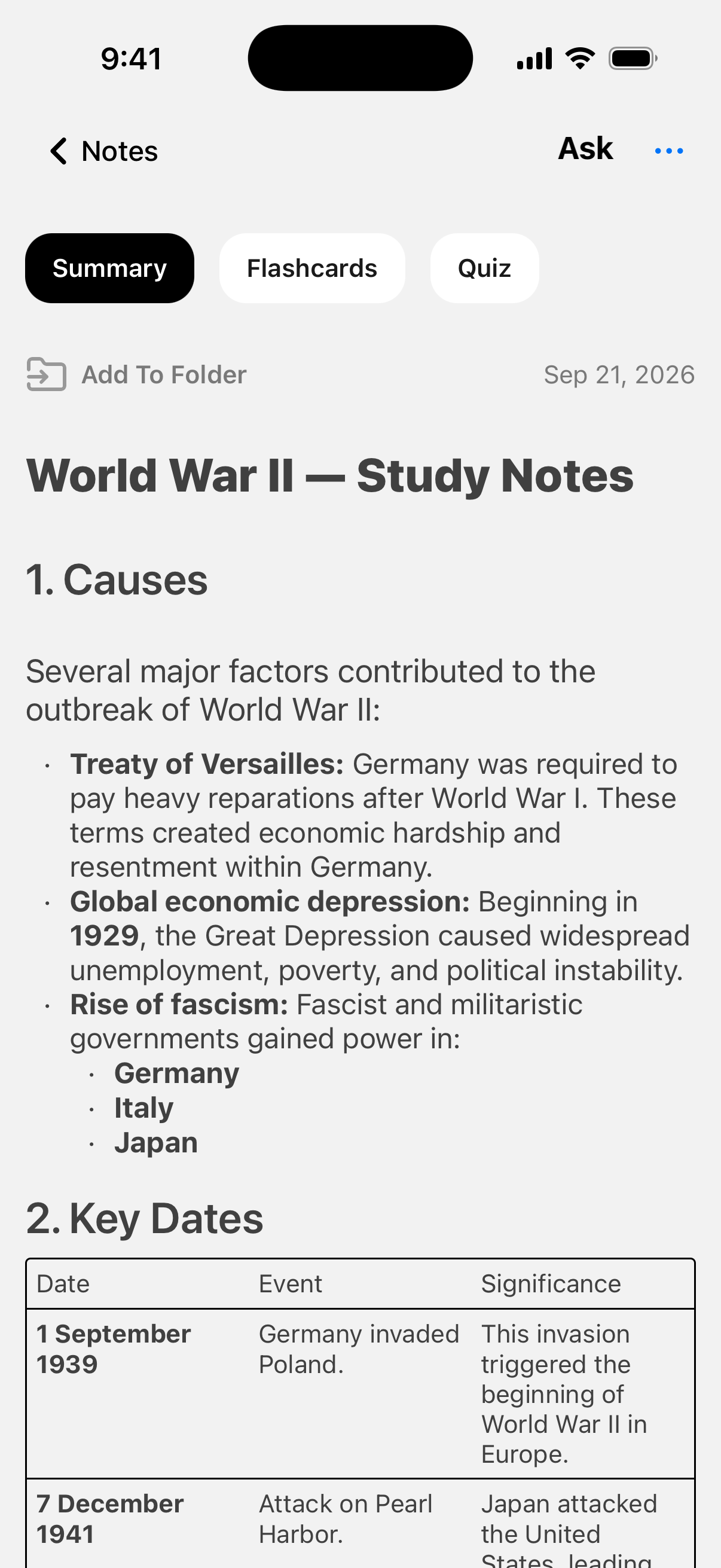
Add the YouTube video in VoiceLog and let the app create the note. Read the result once without editing to understand its structure. Then compare section headings with the video chapters, if the creator provided them.
Keep timestamps for demonstrations, worked examples and claims you may need to revisit. A summary is useful for orientation, but it should not remove the path back to the original explanation.
Try it with your own material
Create your notes in VoiceLog
Check facts before you study them
Names, numbers and niche terminology deserve a source check. Pause at the relevant point and correct the note if needed. If the video cites a paper or official document, open that source before repeating the claim in an essay or presentation.
Separate the presenter’s opinion from established fact. A tidy AI summary can make every sentence look equally certain even when the speaker is speculating. Add labels such as “claim,” “example” or “open question” when the distinction matters.
Turn video notes into recall prompts
After the factual pass, shorten each section to one main idea and one supporting example. Generate flashcards or a quiz from the note, then remove questions that can be answered by guessing. Strong prompts require you to explain a cause, compare two ideas or reproduce a process.
Link the note to related lecture and PDF notes inside the same subject. That is where a mixed-media notebook becomes useful: the video stops being an isolated tab and becomes part of a study trail you can search later.
Do one final pass without playing the video. Try to explain its central argument, reproduce the method or solve a similar example from the note alone. Anything you cannot explain becomes a targeted replay point rather than a reason to watch the entire video again.
Questions about this workflow
Can I use AI to summarize a YouTube video?
Yes, provided the tool can access the video content. Treat the summary as a draft and verify important facts, quotations and calculations against the original.
What should good video notes include?
Keep the central explanation, supporting examples, key terms and timestamps for anything you may need to replay. Remove repetition and unrelated promotion.